Product announcement
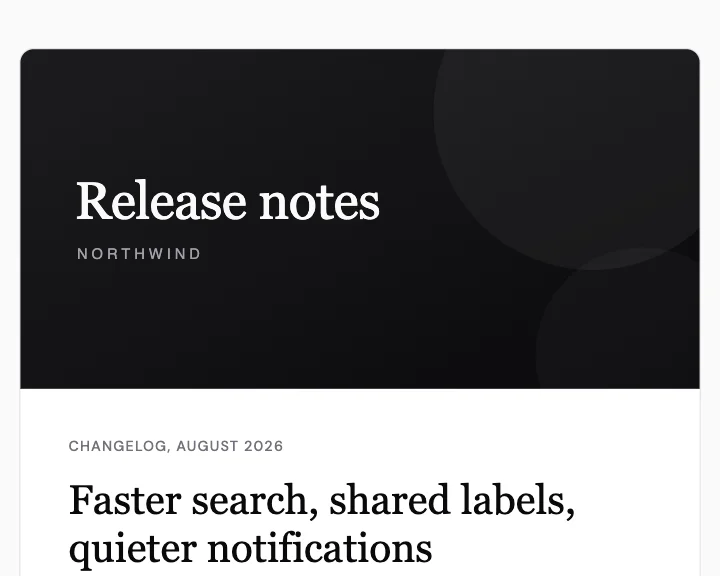
Release notes with a cover image, a lead paragraph and three numbered changes.
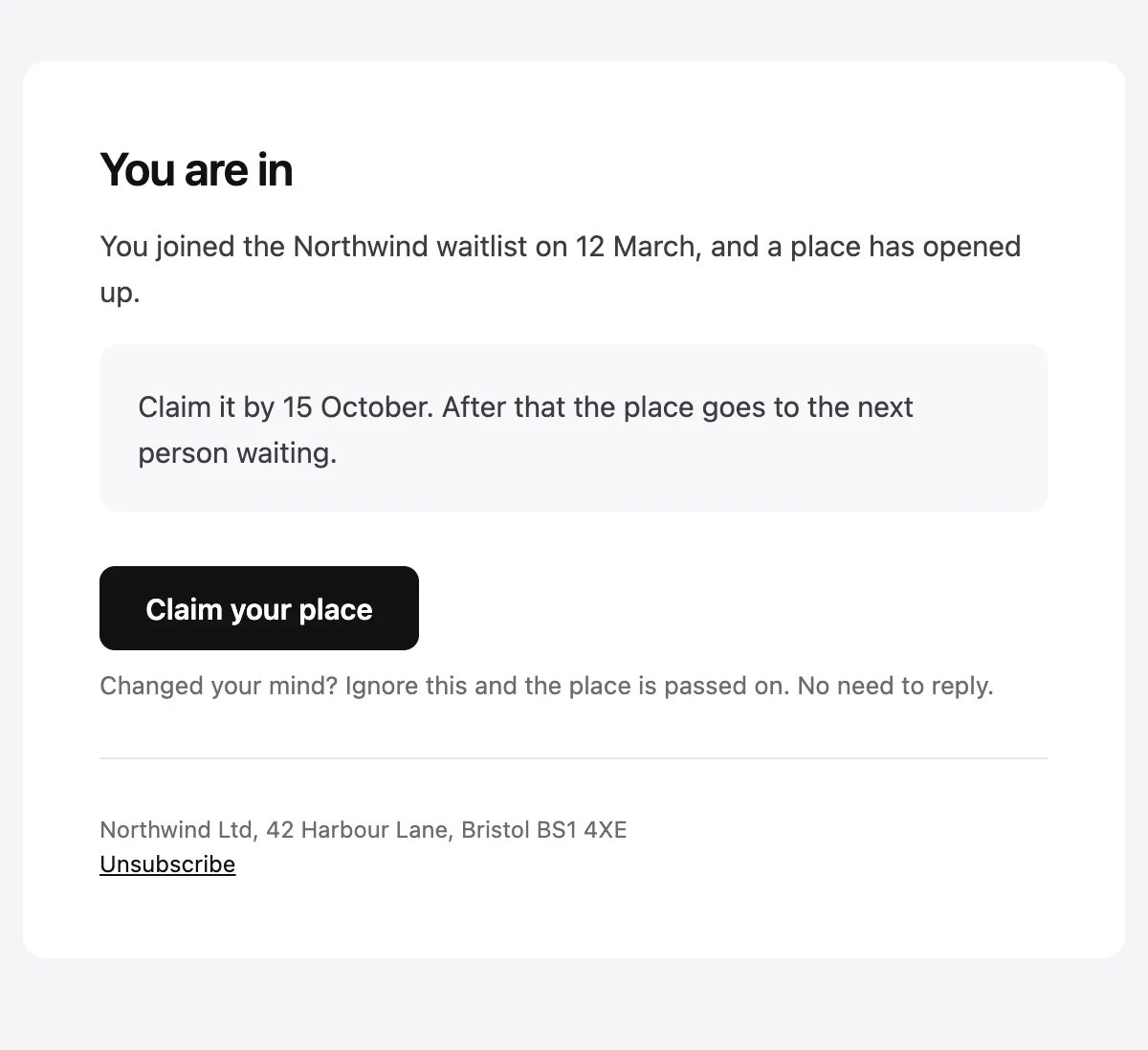
A place has opened up, and the invitation expires on a stated date.
Your {{productName}} invitation is ready

You are in

You joined the {{productName}} waitlist on {{joinedDate}}, and a place has opened up.

Claim it by {{expiryDate}}. After that the place goes to the next person waiting.

Claim your place [{{actionUrl}}]

Changed your mind? Ignore this and the place is passed on. No need to reply.

{{senderAddress}}
Unsubscribe [{{unsubscribeUrl}}]
Shown with sample values. The HTML and plain-text tabs keep the placeholders.
About
Send it when someone reaches the front of a waitlist. It reminds them when they joined, gives a date to claim the place by and says what happens if they ignore it. The footer carries a postal address and an unsubscribe link.
Values
Required values have to come with every send. The rest fall back to the default shown here.
| Placeholder | Kind | Required | Default |
|---|---|---|---|
{{productName}} | Text | Required | None |
{{joinedDate}} | Text | Optional | the waitlist |
{{expiryDate}} | Text | Required | None |
{{actionUrl}} | Link | Required | None |
{{senderAddress}} | Text | Required | None |
{{unsubscribeUrl}} | Link | Required | None |
API
Create a template from this design once, then send it with the values for each message.
import { init, nextmail } from '@nextmail/sdk' init({ apiKey: process.env.NEXTMAIL_API_KEY }) const template = await nextmail.templates.create({ name: 'Waitlist invitation', starter: 'waitlist-invite', publish: true,}) const sent = await nextmail.templates.send(template.slug, { from: 'Northwind <hello@example.com>', to: 'maya@example.com', props: { productName: 'Northwind', joinedDate: '12 March', expiryDate: '15 October', actionUrl: 'https://example.com/claim/5c21', senderAddress: 'Northwind Ltd, 42 Harbour Lane, Bristol BS1 4XE', unsubscribeUrl: 'https://example.com/unsubscribe', },}) console.log(sent.id, sent.status)Announcements
Start from one
Every template opens in the editor as blocks you can move, restyle or delete, and sends through the API with the values filled in.
 Google Workspace
 Fastmail