
Welcome
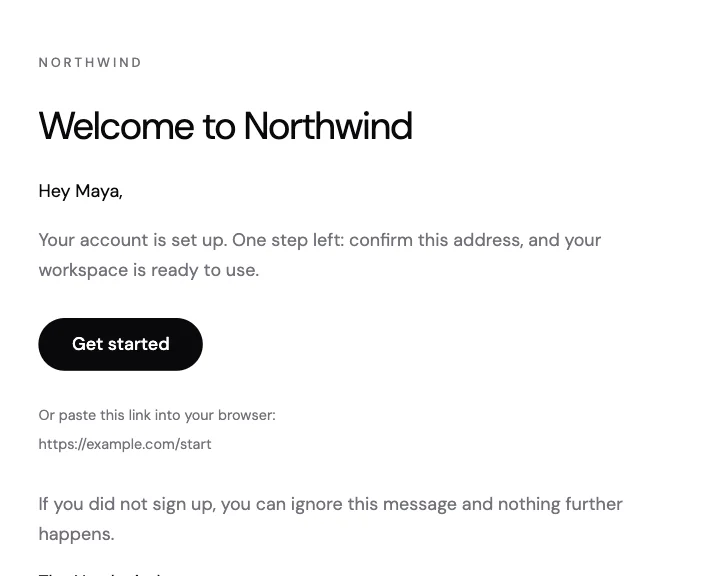
A sign-up welcome with a short greeting, one button to get started and the link written out underneath.
AI email templates
Say what it is for and how it should feel. The assistant builds an editable React Email template that you can change, publish and send from your code.
How it works
Say who it is for and how it should look. Attach your logo, photos or a brief.
It builds the email from React Email blocks and saves it to your workspace as a draft.
Change anything in the editor, publish it, then send it from the API, the SDK or the composer.
Templates
Every template in the gallery opens in the same editor.
A sign-up welcome with a short greeting, one button to get started and the link written out underneath.
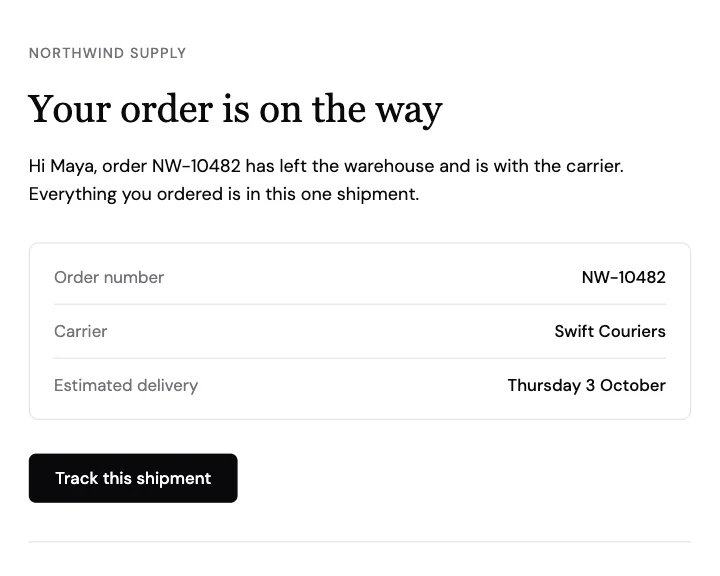
A shipping notice with the order number, carrier and delivery estimate in a details table.
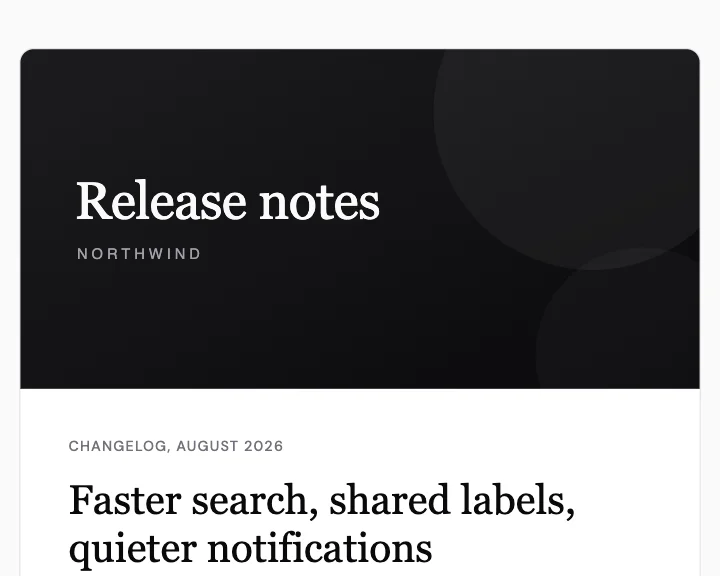
Release notes with a cover image, a lead paragraph and three numbered changes.
Questions
 Google Workspace
 Fastmail